WARDOGS Voice Chat: Check the Channel, Protect Personal Details and Mute Abuse
Local voice adds immediacy to WARDOGS, but it also changes who may hear a call. Prepare the supported audio controls, keep personal information out of match conversation and use the current mute, block and reporting tools when communication becomes abusive.
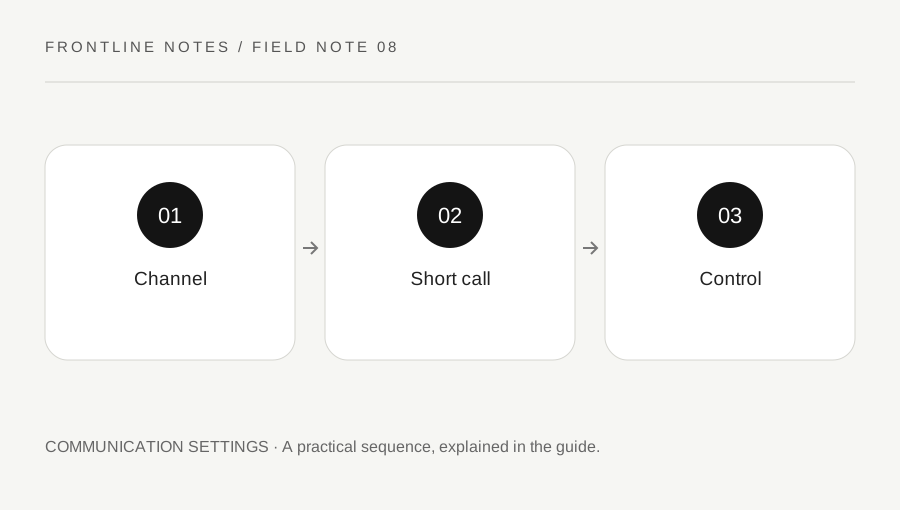
Original explanatory diagram. Examples illustrate a method or decision; they are not claims of personal testing.
Check what your microphone is sending
WARDOGS describes local voice as part of its player-driven sandbox. Before relying on it, inspect the supported microphone and audio settings in the current client. Confirm the intended input device and activation behavior, using the game's available indicators or a willing teammate.
Do this before an important engagement. A microphone that transmits constant room noise can obscure useful sound for others, while the wrong input device can make a clear tactical call disappear entirely. Keep any test short and avoid repeatedly broadcasting noise into a live fight.
Use the current channel controls rather than assuming every voice system behaves like a private squad call. A statement made near other players may have a wider audience than you intended. This guide does not promise a fixed transmission distance or prescribe an unverified keyboard shortcut; inspect the current interface and official information for those details.
Keep the content appropriate for the audience
BULKHEAD's safety page states that voice and text communication are not private. Give calls that serve the match without including home addresses, contact numbers, school or workplace details. A friendly teammate remains someone you met in a public online environment.
For example, "I can transport you from the rear road" provides a task and location. Explaining where you live or sharing an external account to prove that you are trustworthy adds no value to the in-game action. If a conversation needs to move elsewhere, make that choice deliberately using privacy controls appropriate to the service involved.
Local voice can also reveal information to players you did not mean to brief. Keep sensitive tactical detail in the supported channel intended for its recipients when one is available. The practical goal is not silence; it is awareness of who may hear the message and whether the content is necessary.
Respond to disruption with available controls
If another player becomes abusive or repeatedly disrupts communication, use the current mute and block tools. You do not need to win an argument before reducing the disruption. Keep the squad's attention on the match rather than turning an abusive exchange into the main task.
Use the in-game reporting process for conduct that belongs there. Identify the player and provide the relevant server and approximate time when the form allows it. Describe observable behavior instead of guessing about identity, motives or unrelated offenses.
Do not encourage coordinated false reports or publish personal details in retaliation. BULKHEAD's rules cover abuse of the reporting system as well as abuse in chat. If the issue is a microphone configuration mistake, a concise request or a mute can be sufficient; if the issue is harassment, record the factual context through the official process. Different problems deserve different responses rather than one public accusation for everything.
Review the setup after a difficult session
Separate technical communication failures from behavior problems. If teammates could not hear your call, check the selected input, activation and current audio controls. If they heard it but misunderstood the location, improve the call. If the channel was dominated by abuse, use the available safety controls and the appropriate report.
Keep a small setup note for a working microphone configuration, especially when switching headsets or audio devices. Recheck it after a major update or operating-system change rather than assuming the selection persisted.
The useful measure is whether players receive a brief, understandable message without unnecessary exposure of personal information or constant background noise. Voice can support a good team plan, but it does not replace clear decisions. A configured microphone, awareness of the channel and confidence using mute or report tools provide a more reliable foundation than speaking continuously in the hope that the most important information will eventually be heard.
A practical checklist
Choices are saved in this browser. Reset them here or clear this site’s browser storage.
Questions that come up
Is local voice a private conversation?
Do not treat it as private. Read the current safety information and use the supported channel controls with its audience in mind.
Should I reply to abuse to prove it happened?
No. Use the available controls and official report process; escalation is not required to document observable behavior.
Does the guide specify a universal push-to-talk key?
No. Bindings can differ. Inspect the current settings and confirm your own activation control.
References & scope
Background references checked on 18 October 2026. Worked examples and diagrams are original teaching material.